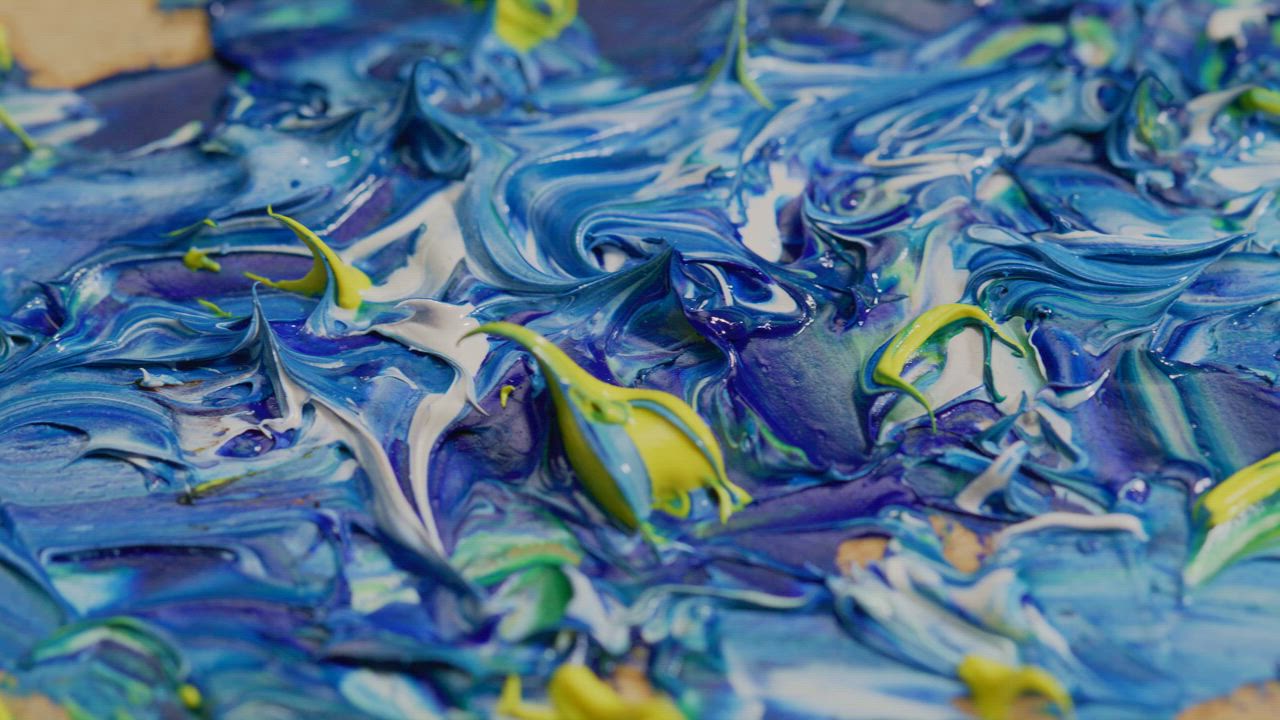
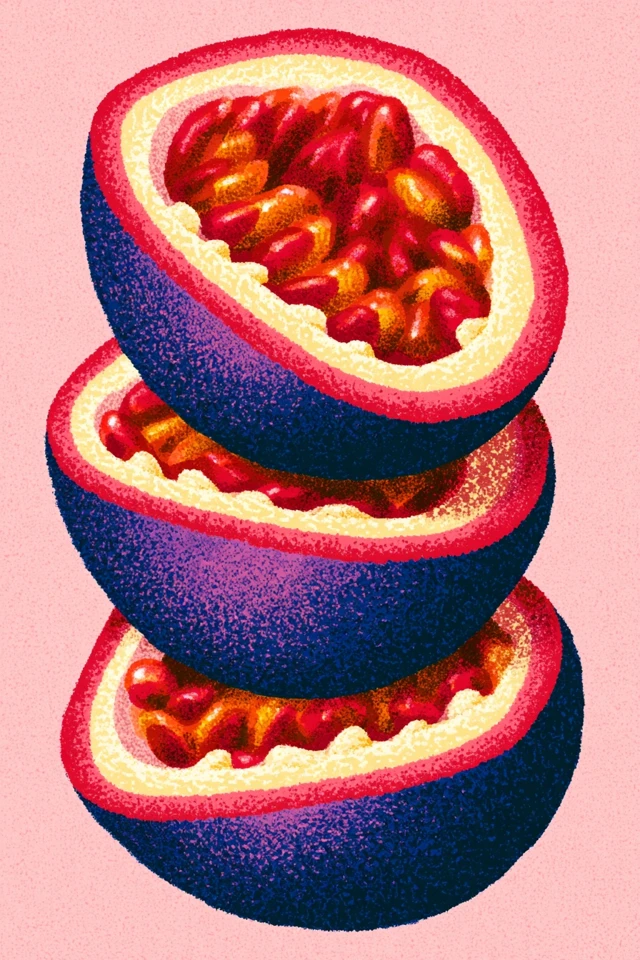
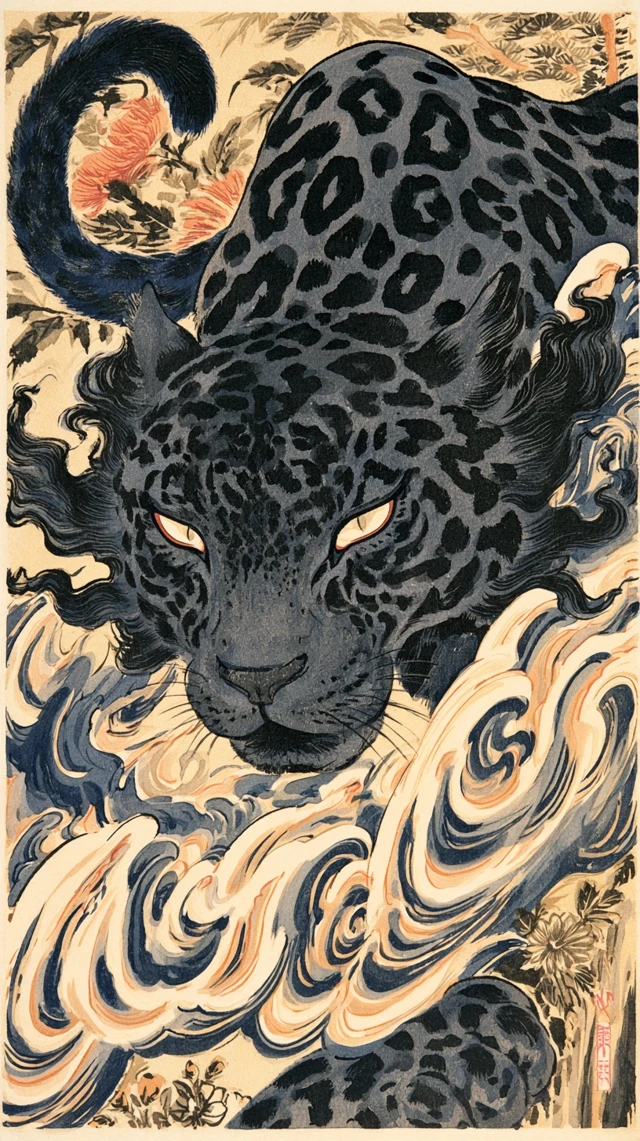
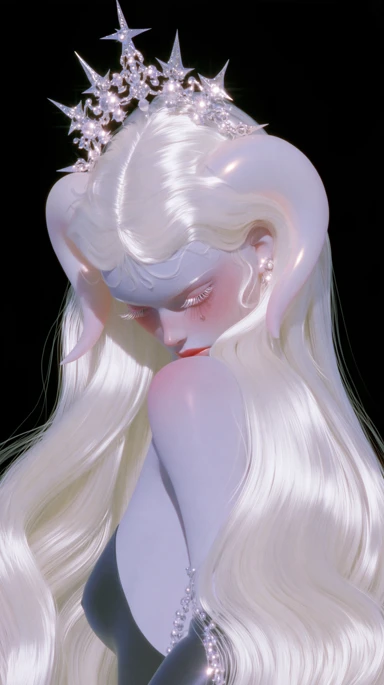
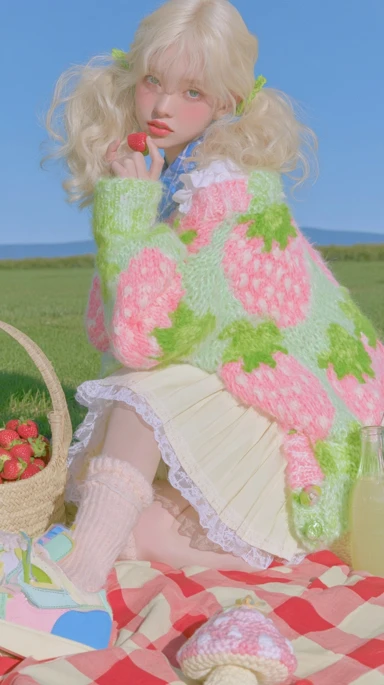
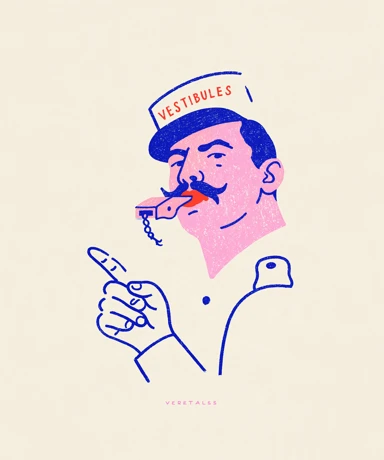
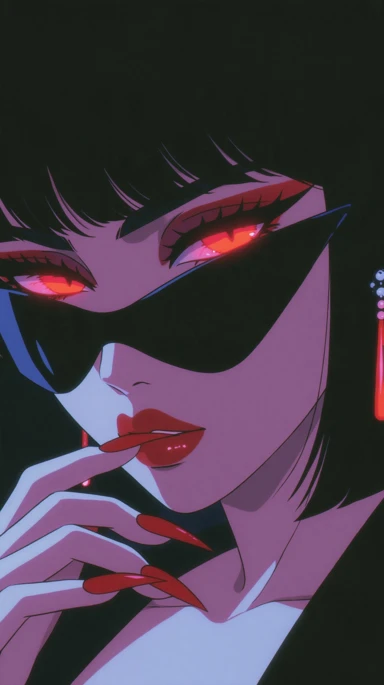
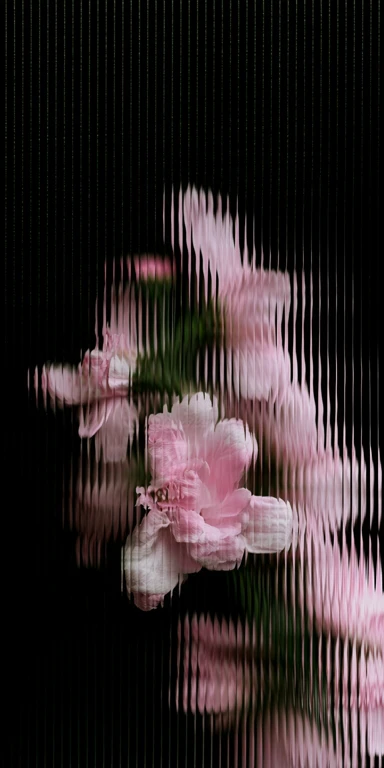
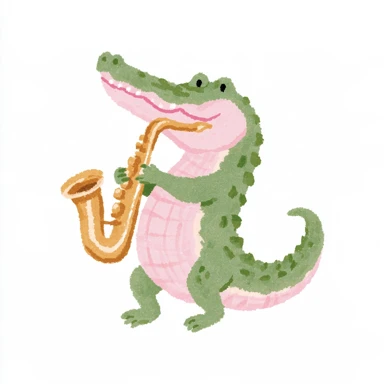
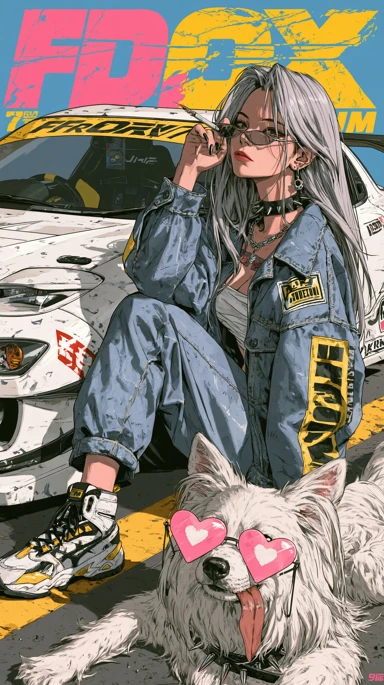
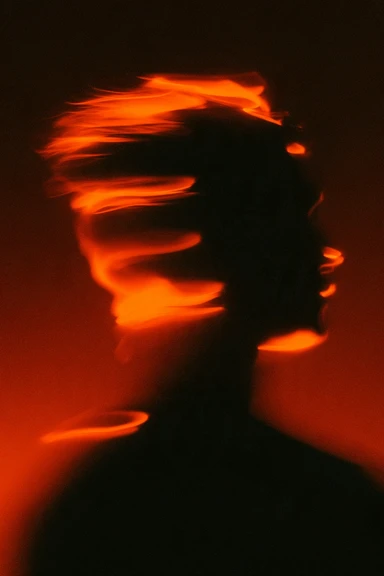
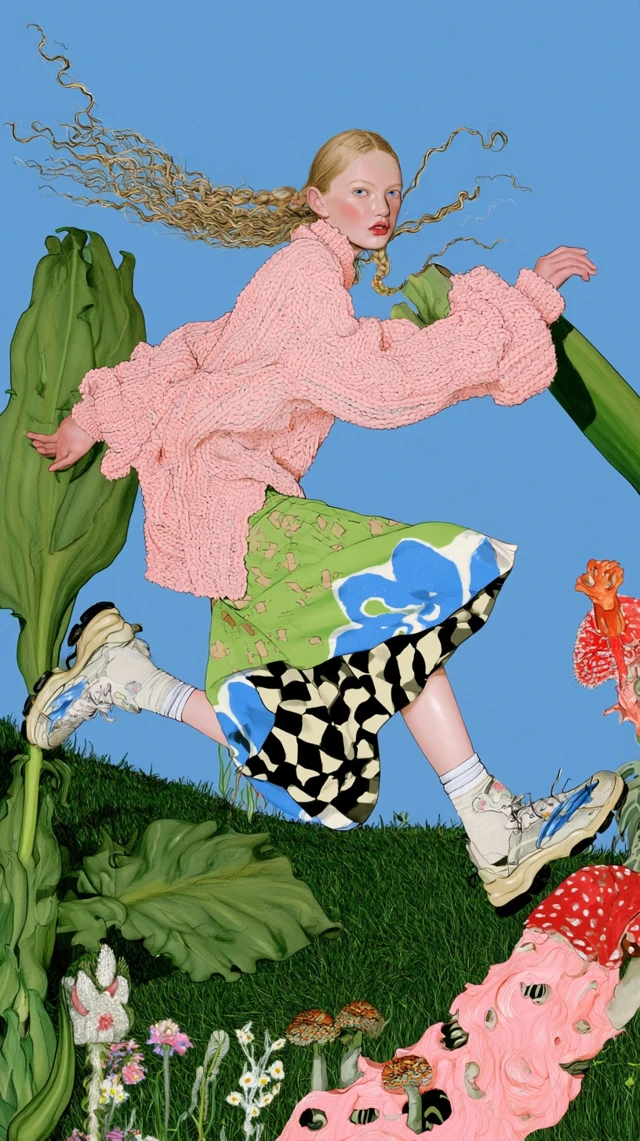
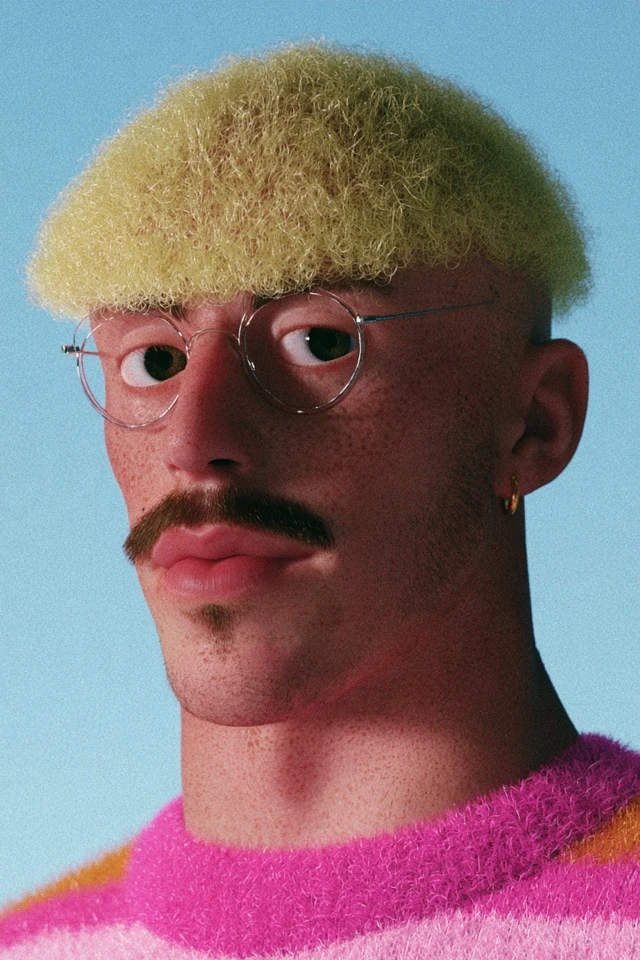
Find a mood, a colour palette or an unexpected composition. Use this ideogram 5.0 collection to develop a direction for your own design.
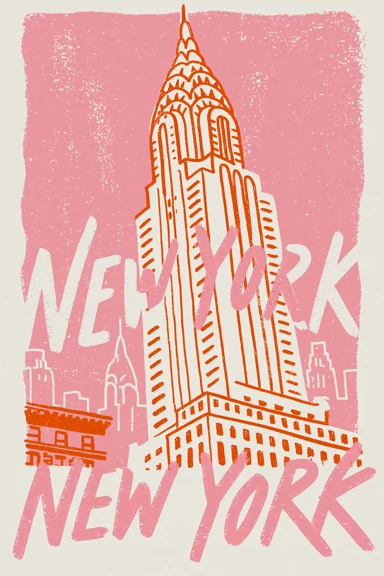
a pink and orange New York skyscraper poster
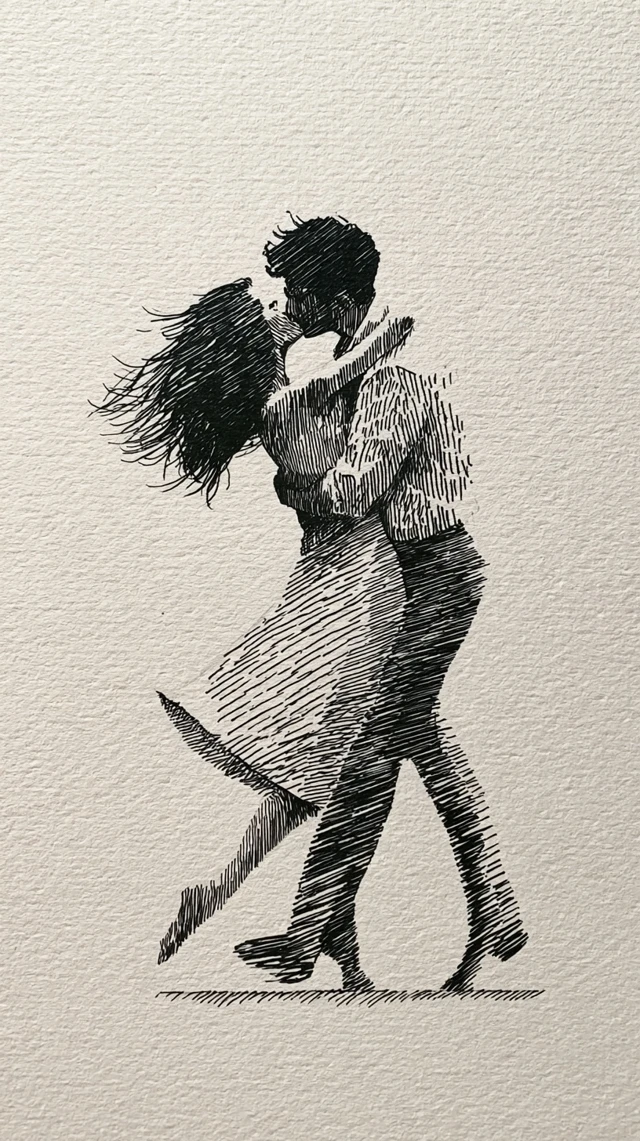
a black ink drawing of an embracing couple on textured cream paper
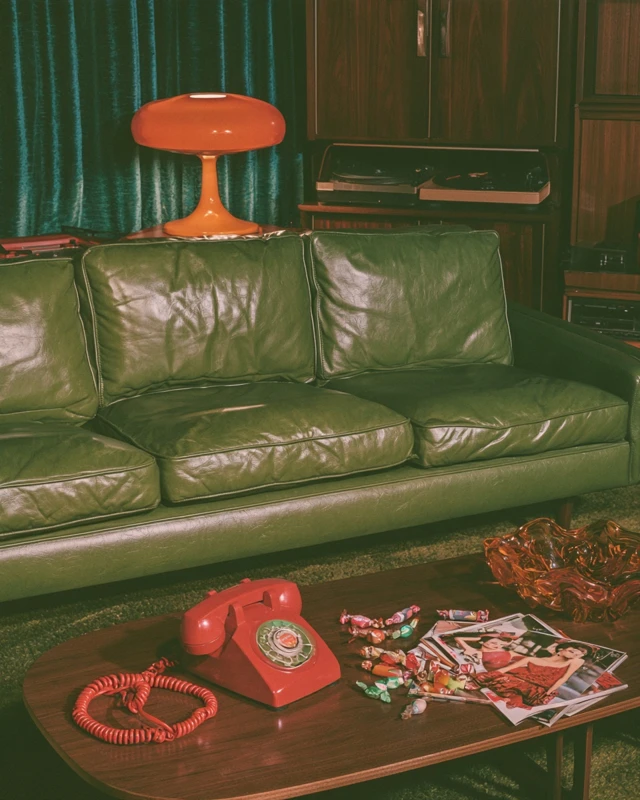
a green leather sofa, orange lamp and red telephone in a vintage room
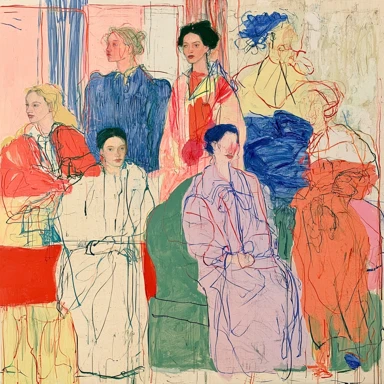
a colourful line drawing of a group in expressive outfits
three small birds made from textured yarn on a pale background
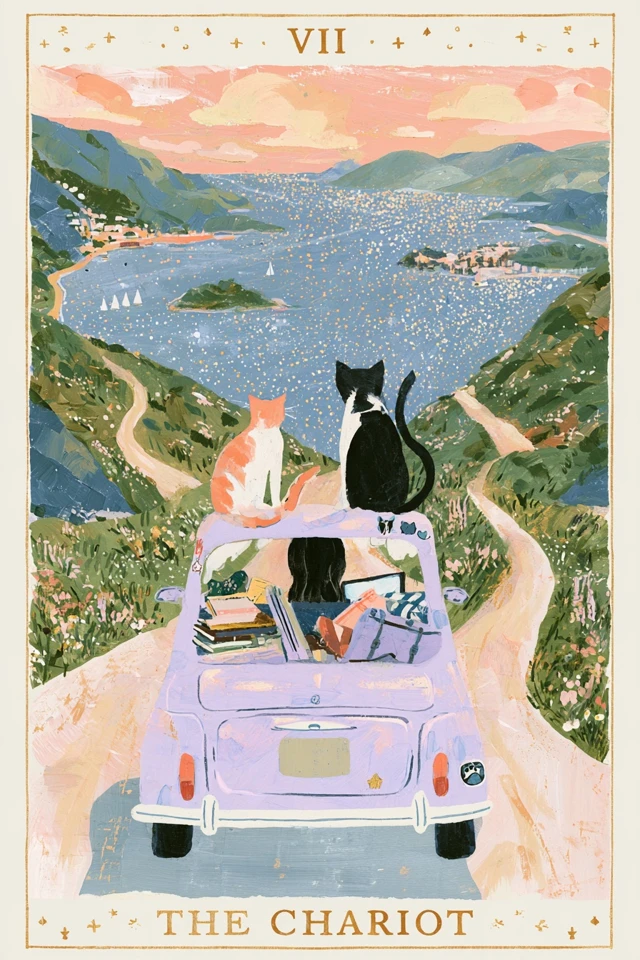
a pastel illustrated chariot card with a decorative gold border
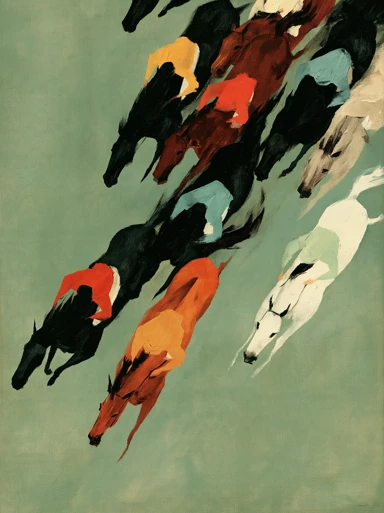
colourful horses running across a green field from above
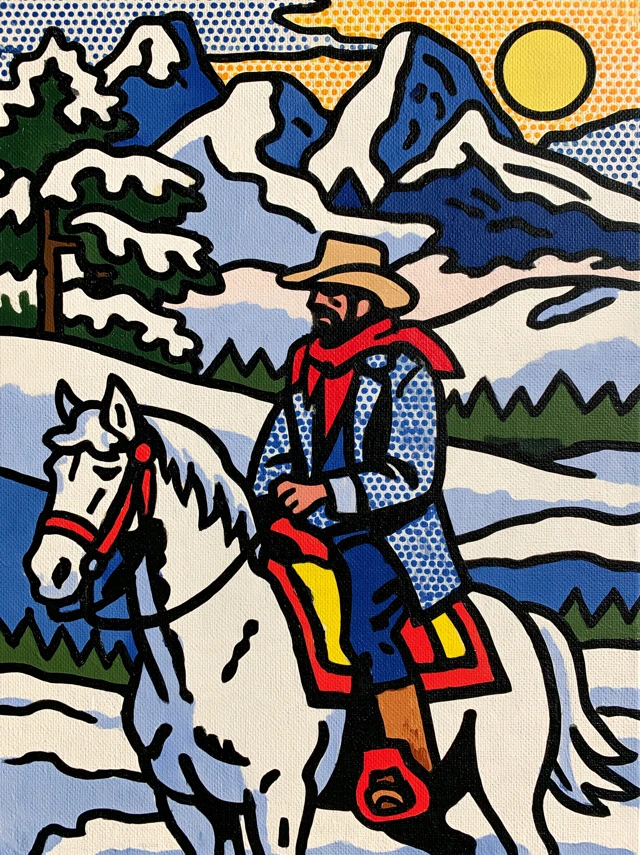
a graphic cowboy on a white horse beside snowy mountains and a yellow sun
ideogram 5.0: from an idea to a visual direction
Ideogram 5.0 puts precise typography, character consistency and rich visual detail at the heart of image creation. Bring headlines and imagery together, keep characters recognisable across creative ideas and give brand designs, product concepts and illustrated stories a distinctive visual identity.
Words and pictures with one clear message
Make a headline part of the visual idea. Explore lettering, colour and imagery together for event posters, music covers and stories that deserve an expressive first impression.
Products with a setting and a story
Move between clean studio concepts and lived-in environments. Explore materials, light and backgrounds for ecommerce imagery, brand content and the early visual direction of a product launch.
Characters with a recognisable identity
Hair, clothing and expression give a character their identity. Start with a clear reference and explore new settings for illustrated stories, brand characters and connected visual projects.
A fresh direction for an existing image
Keep the part of a picture you love and explore a different mood. A reference photograph can open up new palettes, materials and lighting without requiring a completely new concept.
Choose a workflow for your ideogram 5.0 project
Begin with what you already have: words, a portrait or an image worth developing. Each entry below leads to its own model page. In ideogram 5.0, choose the entry that matches your starting material.
ideogram 5.0: a direction for your next design
Explore ideogram 5.0 through the relationship between an image, its words and its audience. Start with the purpose of the piece.
A subject worth noticing
Give an ideogram 5.0 concept one recognisable subject before adding decoration.
Image and headline
Balance the headline with the picture; reserve room for details that need exact typesetting.
A coherent visual brief
Describe the subject, viewpoint and mood in terms that belong to the same scene.
A palette with intent
Choose a dominant colour and an accent that make the subject easier to recognise.
Free credits to begin
ideogram 5.0 keeps the 50-credit welcome activity and weekly check-in rewards visible beside the creative tools.
Prepare the final design
Review the image at its intended size, then finish precise text and layout before publication.
An ideogram 5.0 character project starts with a clear reference. Use the Character workflow to explore a person across settings, then compare the defining details.
A reference that reads clearly
Choose a clear face with limited obstruction and a readable hairstyle.
Wardrobe and setting
Plan ideogram 5.0 character variations around the same person in a new wardrobe or location.
A sequence of story images
Give each image a different story beat while retaining recognisable character cues.
A recurring brand character
Explore an ideogram 5.0 character identity that suits your brand colours and audience.
Expression and body language
Use expression and posture to explain the scene; inspect facial details in each variation.
A compact character brief
Keep the reference and a short list of identity cues beside your ideogram 5.0 project.
An image can anchor your ideogram 5.0 concept. Open Remix to explore a different treatment, with a clear plan for what should remain and what can change.
A clear change request
Keep an ideogram 5.0 variation focused on one change, such as light or surface material.
Develop a visual draft
Describe the finish a sketch suggests, including palette, surface and atmosphere.
Change the lighting mood
Compare daytime and evening concepts for an ideogram 5.0 campaign while watching the subject proportions.
A calmer background
Reduce competing shapes in the brief and check the outline against the original.
Explore a campaign palette
Use ideogram 5.0 to plan related colour directions before settling on a campaign look.
Know when editing fits better
For a small targeted change, compare the available Edit workflow rather than rewriting the entire scene.
Select a plan engineered for your creative workload
Start creatingYearly offer · 50% off
Basic
A starting point for everyday ideas.
$29.90$18.90/ month
Total annual allocation
Choose from the site’s model workflows
Text and visual references by model
Model-specific creative controls
Save and revisit your work
Organize references and favorites
RecommendedYearly offer · 50% off
Pro
For product scenes, stories and campaigns.
$49.90$24.50/ month
Included bonus 3,678
Choose allowance1 / 3
28,200127,680
Choose from the site’s model workflows
Text and visual references by model
Model-specific creative controls
Save and revisit your work
Organize references and favorites
Room to growYearly offer · 50% off
Enterprise
More credits for larger creative projects.
$129.00$99.00/ month
Included bonus 58,217
Choose allowance1 / 3
203,760610,680
Choose from the site’s model workflows
Text and visual references by model
Model-specific creative controls
Save and revisit your work
Organize references and favorites
ideogram 5.0 questions before you create
Ideogram 5.0 puts precise typography, character consistency and rich visual detail at the heart of image creation. Bring headlines and imagery together, keep characters recognisable across creative ideas and give brand designs, product concepts and illustrated stories a distinctive visual identity.
Posters, expressive lettering, brand imagery, product settings, character ideas and illustration are all useful starting points. Each project asks for something different: a campaign needs a clear message, a product needs believable form, and a story needs characters and environments that work together.
Use a photograph you have permission to work with as reference material. Compare remixing for a new style or a character workflow for a familiar face in another setting. A clear source image and a description of what should remain help communicate the idea.
Explore V3 for a new text-led scene, Character for a portrait reference and Remix for a new interpretation of an existing picture. The model directory gives each workflow its own entry, while the workspace shows the actual model selected for a task.
Typography-led posters are a central creative direction. Put a short headline and the image theme in one brief, considering text position, visual focus and empty space. Check spelling, punctuation and line breaks before publishing; finish exact typesetting in a design tool when needed.
The site retains its 50-credit welcome offer and weekly check-in rewards of up to 100 credits. The activity rules and quote shown before submission determine how those credits can be used. Credits do not imply a fixed number of images for every model.
Browse Ideogram 5.0 Prompts for visual styles and project ideas. Keep the useful composition or atmosphere and adapt the subject to your own work. The existing AI assistant can also help organise an idea into a fuller description.
Keep a concise visual brief for the series: main palette, character features, light and subject matter. Individual pictures can do different jobs while sharing recognisable details. Compare the whole set before publishing, checking characters, products and brand elements together.
Commercial use depends on the site terms, applicable service rules and permission for references, trademarks and likenesses. Before using an image in a campaign, package or publication, review text and product details and keep the relevant permissions with the project.
Find your next visual direction with ideogram 5.0
Bring one idea to ideogram 5.0. Explore its visual possibilities, choose your workflow and develop the version that says what you mean.